


Removing a colleague's access or moving their work to someone else
What you'll end up with: a colleague who has left unable to sign in, their open tickets, duties and buildings passed to someone else in the same step, and their record and history kept.
Before you start you need: to know who takes over their work. You can split it building by building.
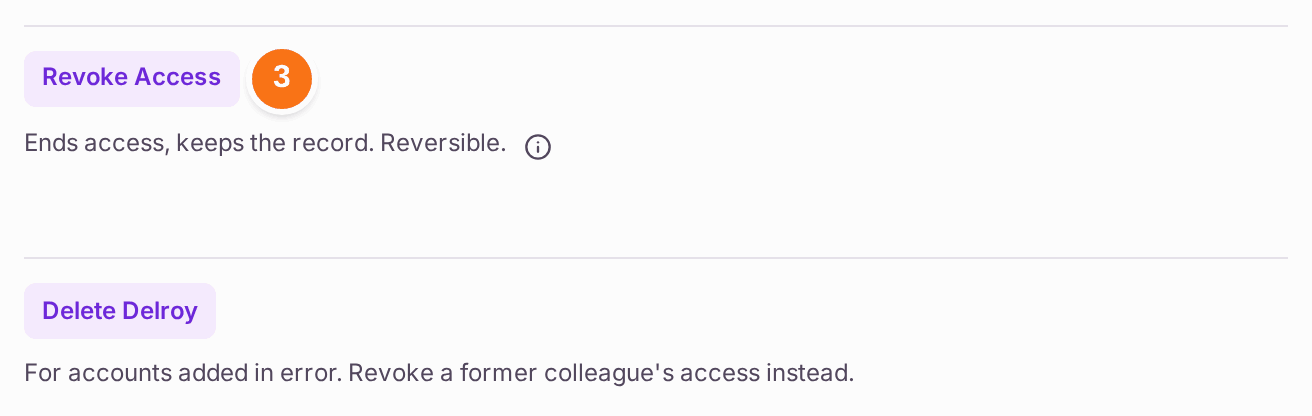
Use Revoke Access for anyone who has done any work. Delete is only for an account added in error; it is refused once the person holds any records.
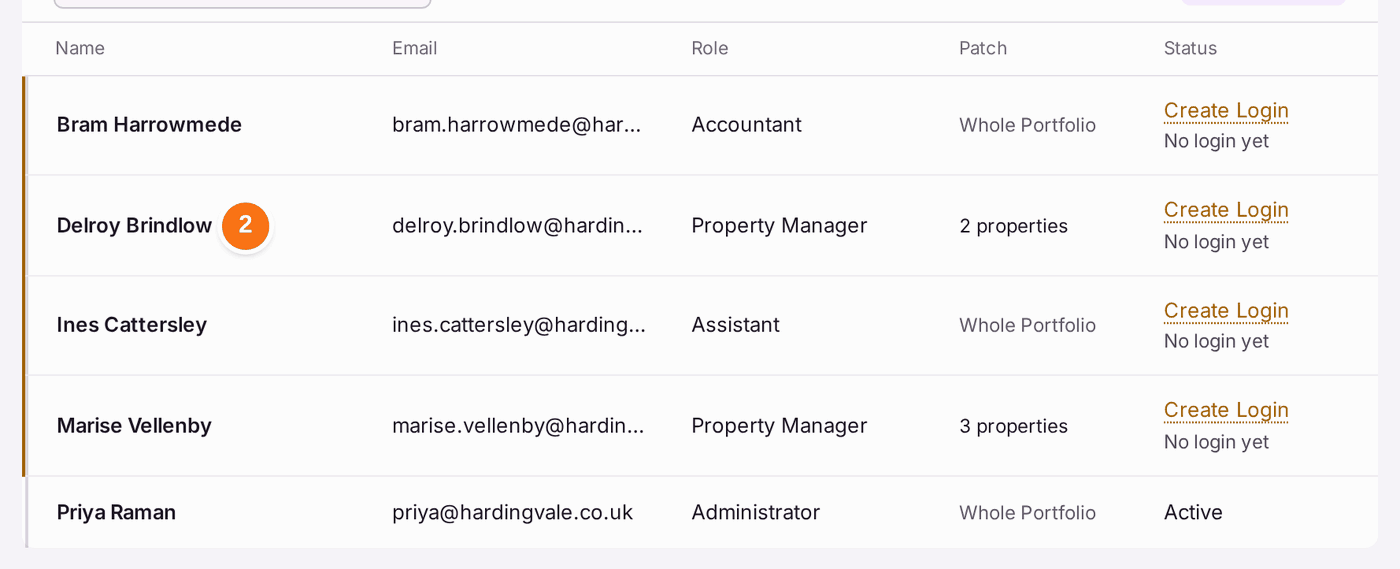
- Go to Settings, then Users.
- Click the colleague's name.
- Press Revoke Access, near the foot of the panel.
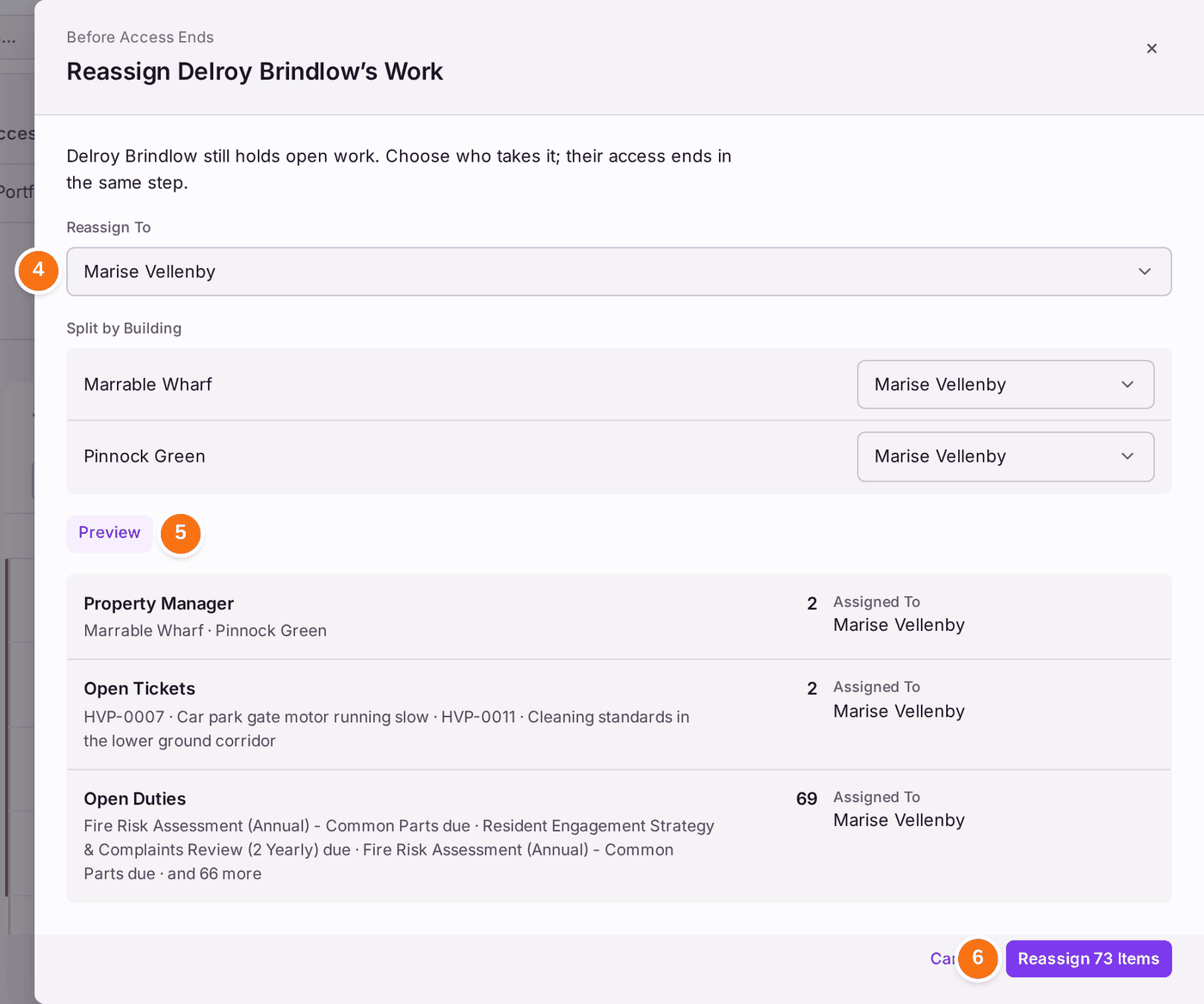
- If they hold open work, Reassign Work opens: "Delroy Brindlow still holds open work. Choose who takes it; their access ends in the same step." Choose who it goes to under Reassign To. To send a building to someone else, change it under Split by Building.
- Press Preview. It lists what will move: their buildings (as property manager), open tickets and open duties, with a count of each and who each goes to.
- Press Reassign (it shows the count, such as Reassign 73 Items).
You'll know it worked when: "Delroy's access is ended. Their record stays." Their status reads Inactive, their Open Work reads "Nothing open", and the colleague you chose has their buildings, tickets and duties. Tick Show Deactivated to see former colleagues in the register.
To move work without ending anyone's access (for example, a manager going on long leave), press Reassign Work above the register instead, and choose whose work, what kinds of work and who takes it.
If something's wrong:
- You ended the wrong person's access. Open them (tick Show Deactivated to find them) and press Grant Access. Their work does not move back on its own; reassign it again.
- Reassign is greyed. Press Preview first.
- You cannot revoke the last administrator. Someone must be left who can manage the organisation. Make another colleague an administrator first (see Deciding what each colleague can do).
- Delete is refused. The account holds records, such as tickets they own. Revoke their access instead.