


Recording a sale or other change of owner
What you'll end up with: the unit's new leaseholder recorded from the completion date, the old one kept on the record with the dates they held it, and demands addressed to the new owner from the next issue.
Before you start you need: the completion date, the buyer's name and email (or their record, if they are already on the register), and the seller's forwarding address. Usually these come from the buyer's solicitor's notice of assignment.
Who you serve demands and notices on changes on the completion date. Serve the wrong person and the notice may not count; chase the seller for the buyer's arrears and you may be chasing the wrong person.
- Open the property, then its Units tab, then the unit.
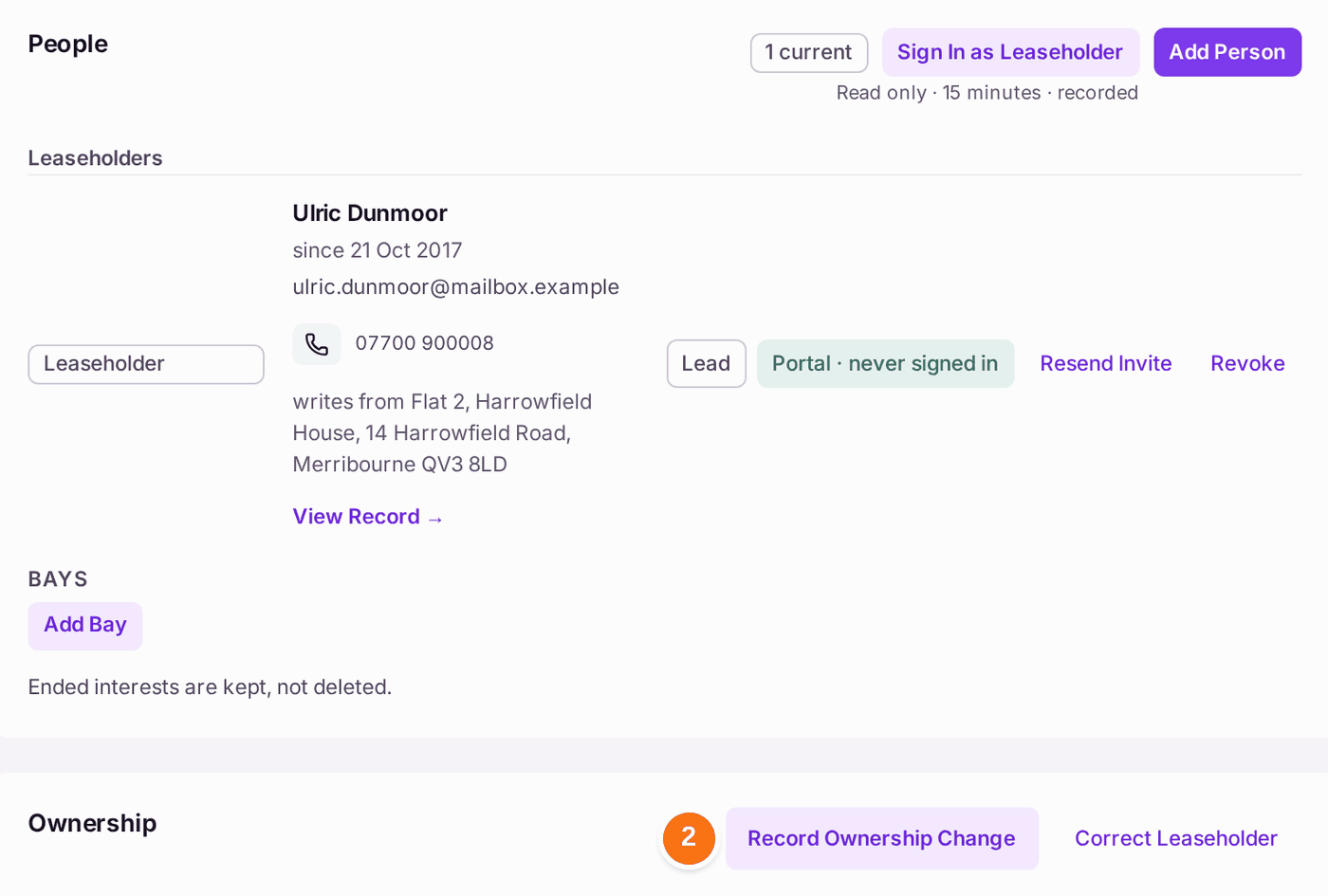
- Under People, find Ownership. Press Record Ownership Change.
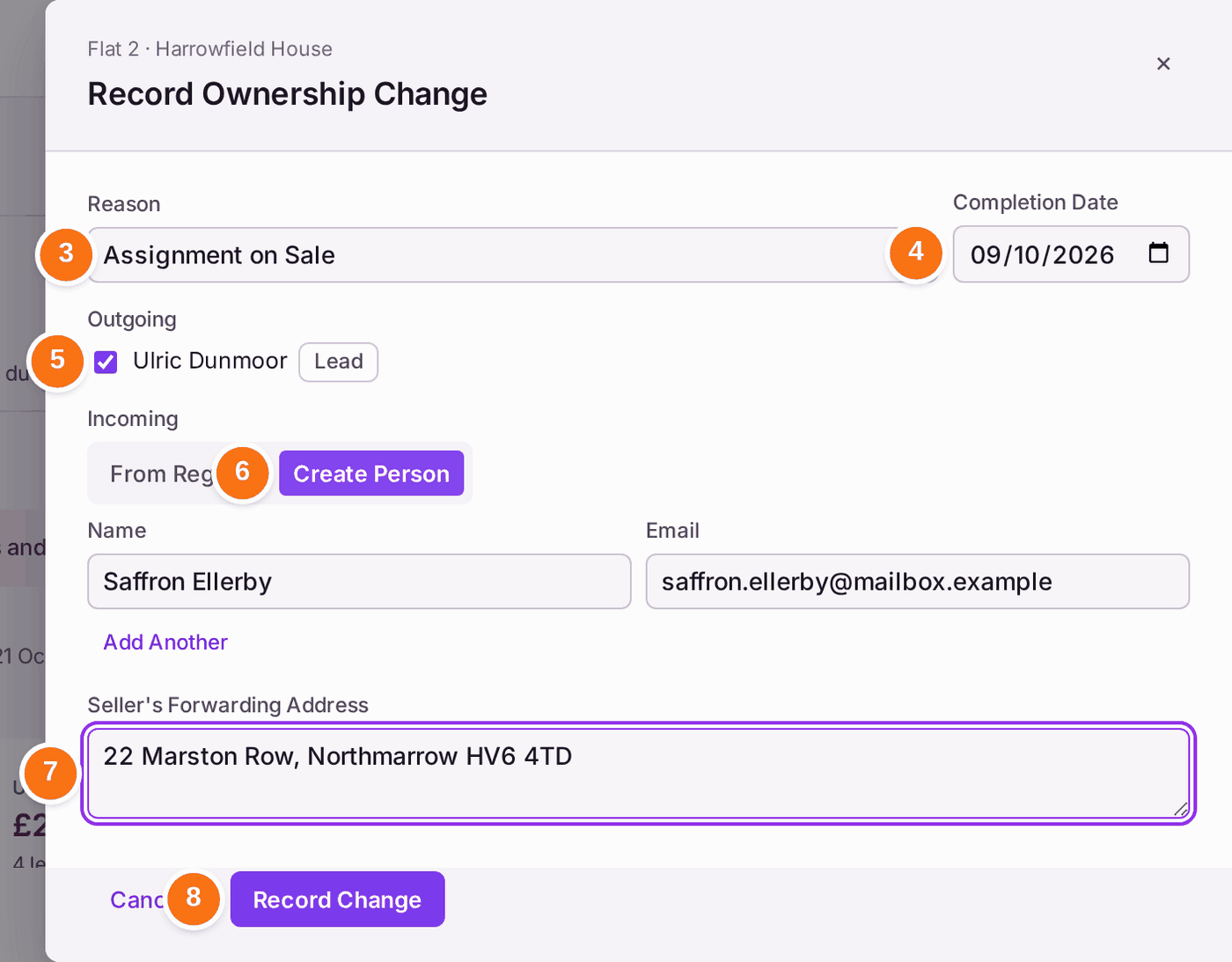
- Choose the Reason: Assignment on Sale for a sale. Others include Transfer Into Joint Names, Survivorship and Transmission on Death (Probate).
- Choose the Completion Date.
- Under Outgoing, check the leaseholder who is leaving is ticked.
- Under Incoming, choose From Register to pick someone already recorded, or Create Person and type their name and email. Add Another adds a second buyer.
- Type the Seller's Forwarding Address.
- Press Record Change.
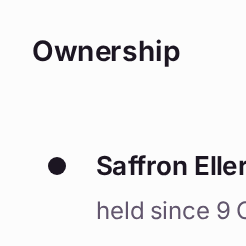
You'll know it worked when: "Sale Recorded" appears on the unit, the buyer is listed as the leaseholder from the completion date, and the seller is listed under Ended, with the dates they held it and "Access Lapsed with the Interest".
If something's wrong:
- Record Change stays grey. Choose a Reason and a Completion Date, and name at least one incoming person.
- The leaseholder's name was typed wrongly, with no change of owner. Use Correct Leaseholder instead. A correction does not record a sale.
- The buyer needs a portal login. Press Invite on their row (see Giving a leaseholder, resident or director a portal login). The seller's access lapses with their interest.