Helping someone sign in to their portal for the first time
What you'll end up with: a leaseholder, resident or director who has chosen their own password from their invitation letter and signed in to their portal, because you talked them through it on the phone.
Before you start you need: the person's portal login granted, and their invitation letter printed and posted (see Giving a leaseholder, resident or director a portal login). Ask them to have the letter in front of them.
The letter gives three things: the address to sign in at (under SIGN IN AT), their email address (YOUR EMAIL) and a one-time code (YOUR ONE-TIME CODE, such as 599R-D8TX-U83C). The code is not a password. It works once, and the letter says the date it expires, 30 days after it was printed.
Talk them through these steps:
- Type the address from the letter's line "To choose your password, go to …" into the browser. It ends "set-password".
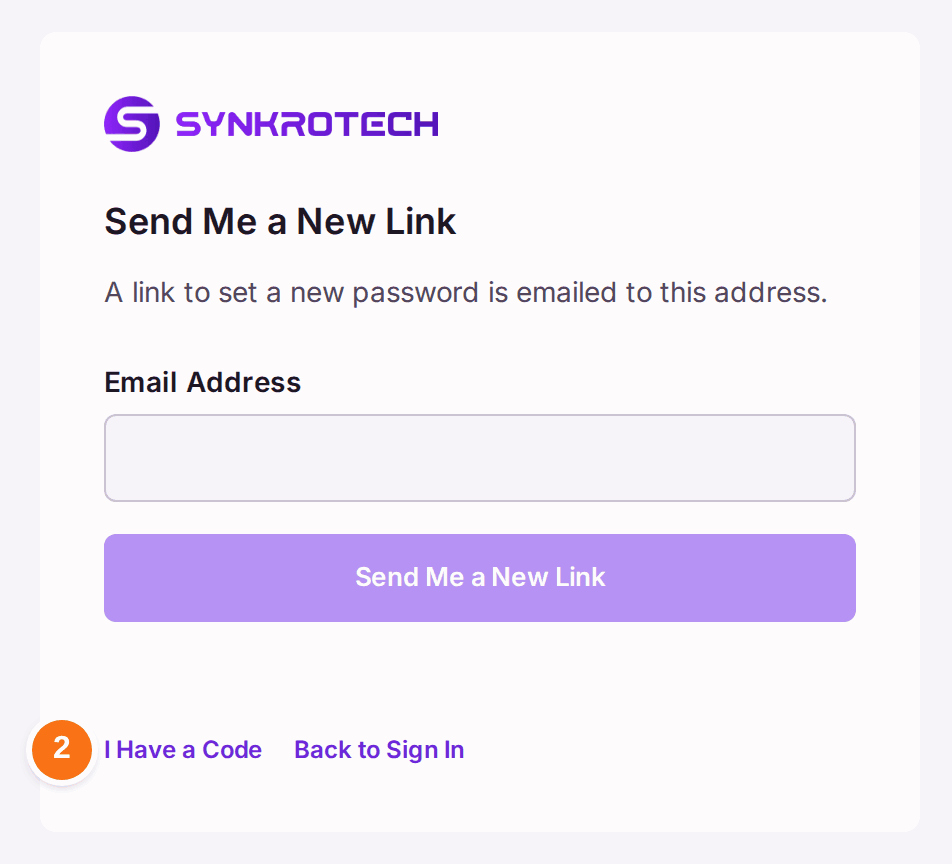
- Press I Have a Code, under the box.
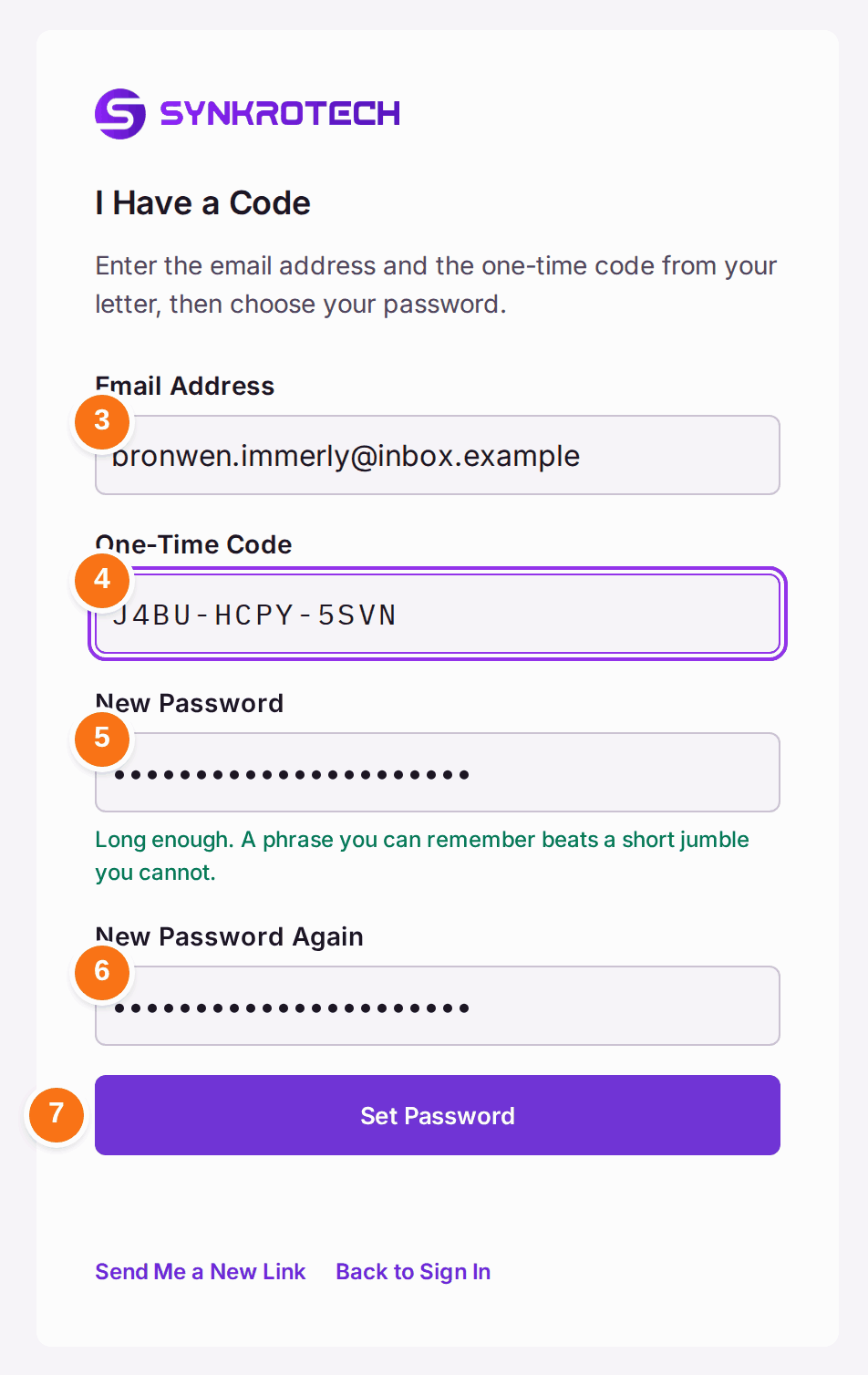
- Type the Email Address exactly as the letter shows it.
- Type the One-Time Code from the letter.
- Choose a New Password of at least 10 characters. The screen counts down how many are left. "A phrase you can remember beats a short jumble you cannot."
- Type it again in New Password Again.
- Press Set Password. The screen reads Password Set.
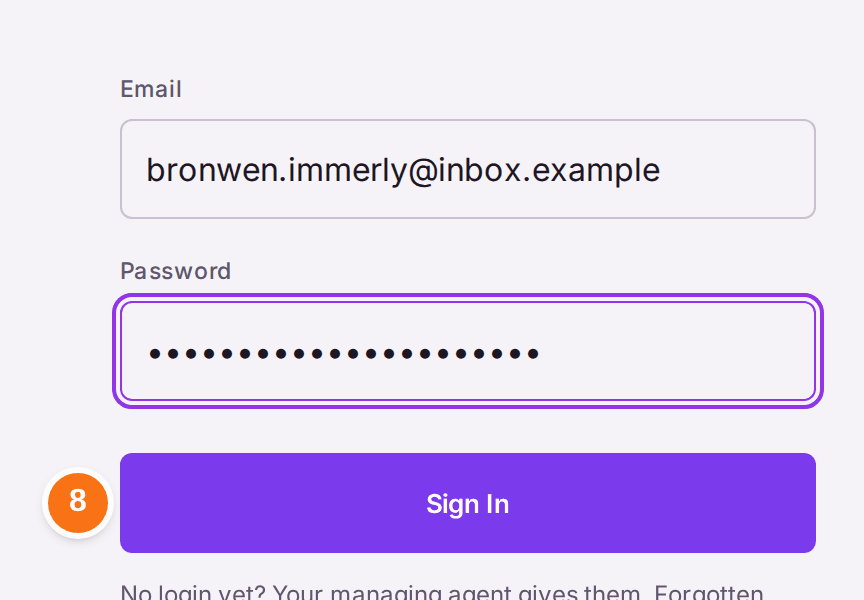
- Go to the address under SIGN IN AT. Type the email address and the new password, then press Sign In.
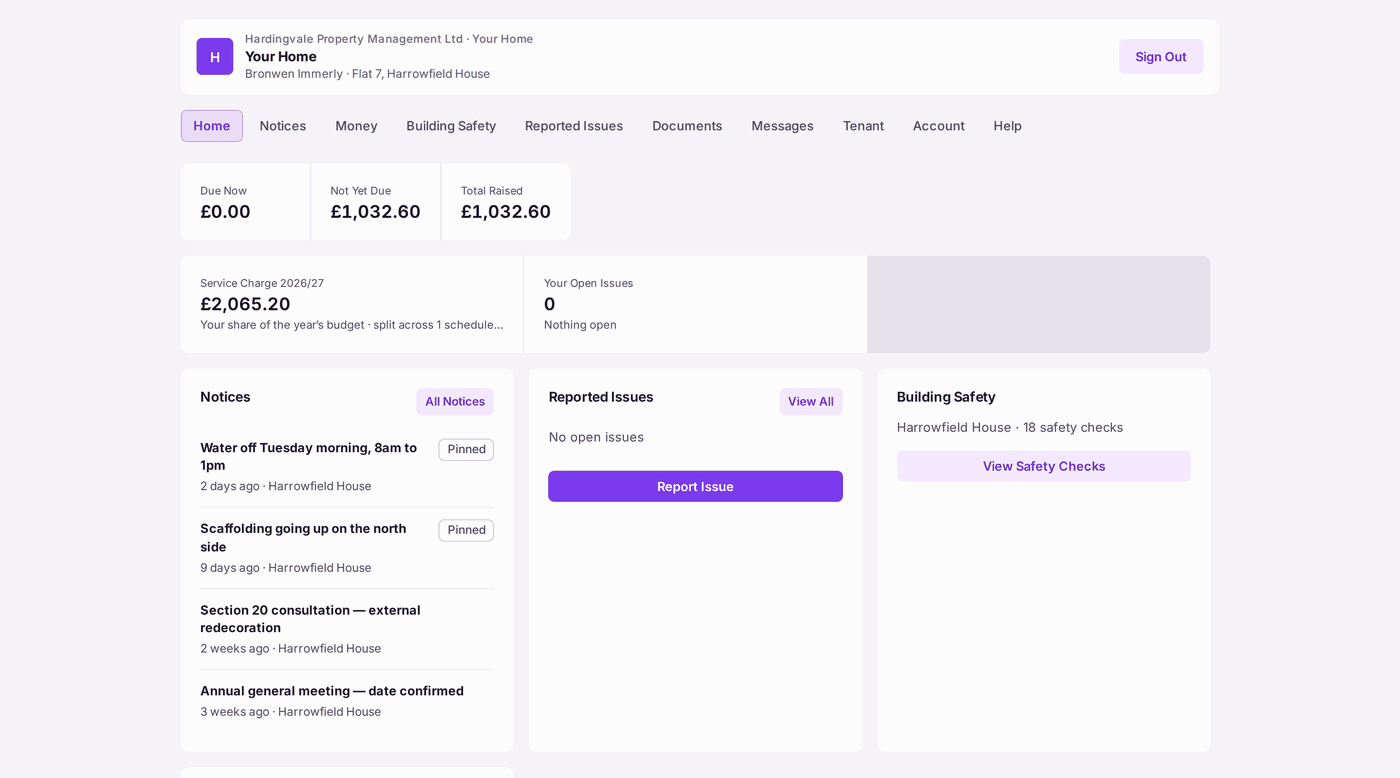
You'll know it worked when: they see Your Home, with their name and flat at the top, what is Due Now, and the building's notices. From now on they sign in at the SIGN IN AT address with their email address and password, and should destroy the letter.
If something's wrong:
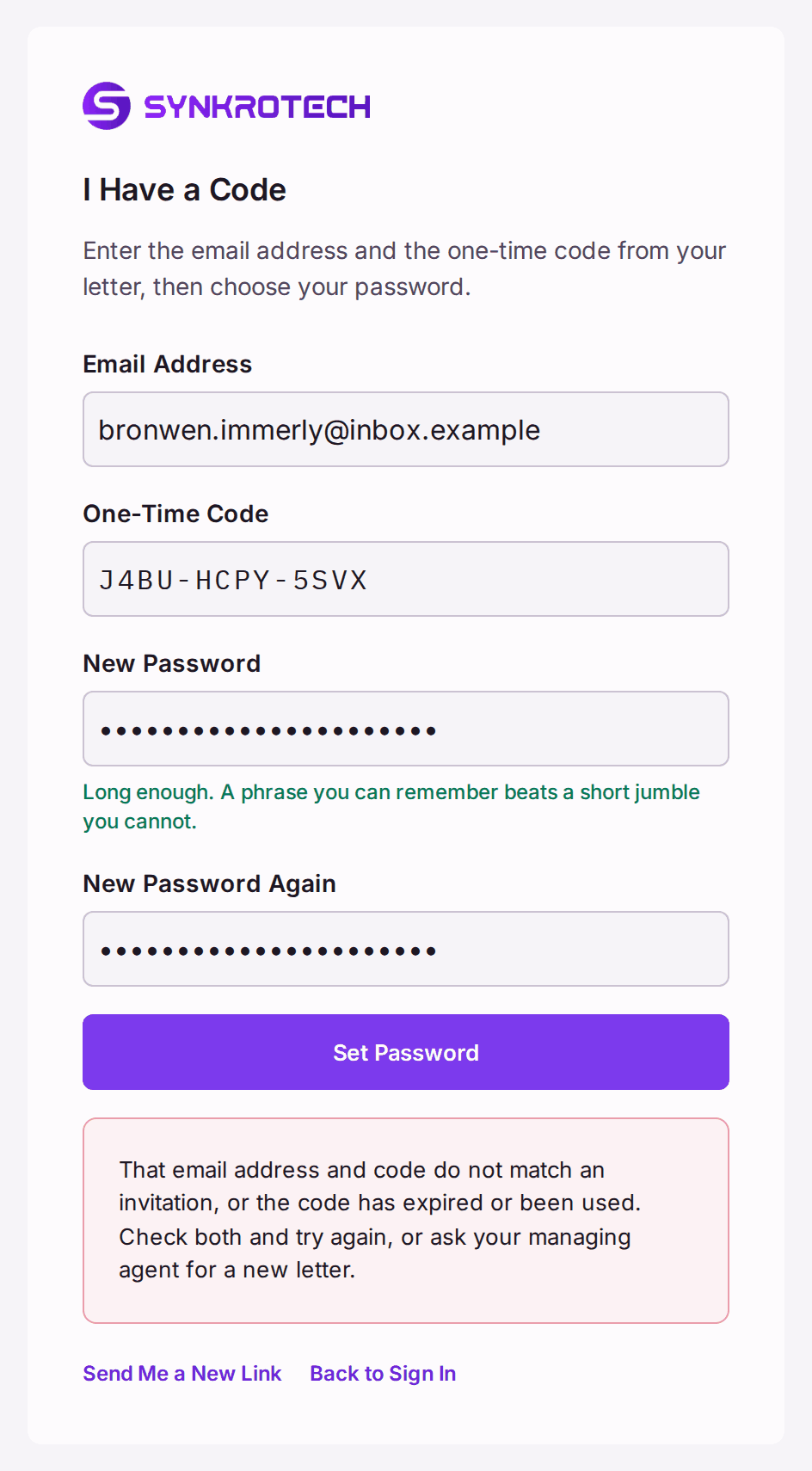
- "That email address and code do not match an invitation, or the code has expired or been used." Check the email address letter by letter, and the code. If it still fails, the code has expired or been used: print them a new letter with Invite by Letter on Portal Logins (see Removing or resetting someone's portal access). The old code stops working.
- Set Password stays greyed. A box is empty, the password is shorter than 10 characters ("5 to go"), or the two passwords differ ("These do not match yet.").
- They signed in before and have forgotten the password. On the sign-in page they press Forgotten your password?, then Send Me a New Link, which emails a link to set a new one. If they have no email on file, print a new letter.
- "The letter could not be made" when you print it. The portal's address is not set for your organisation. Ask SynkroTech (see Putting the sign-in addresses and posters in front of people).